





CCPA Cookie Consent WordPress Plugin

California Privacy Tools for WordPress
Simplify CCPA Requirements

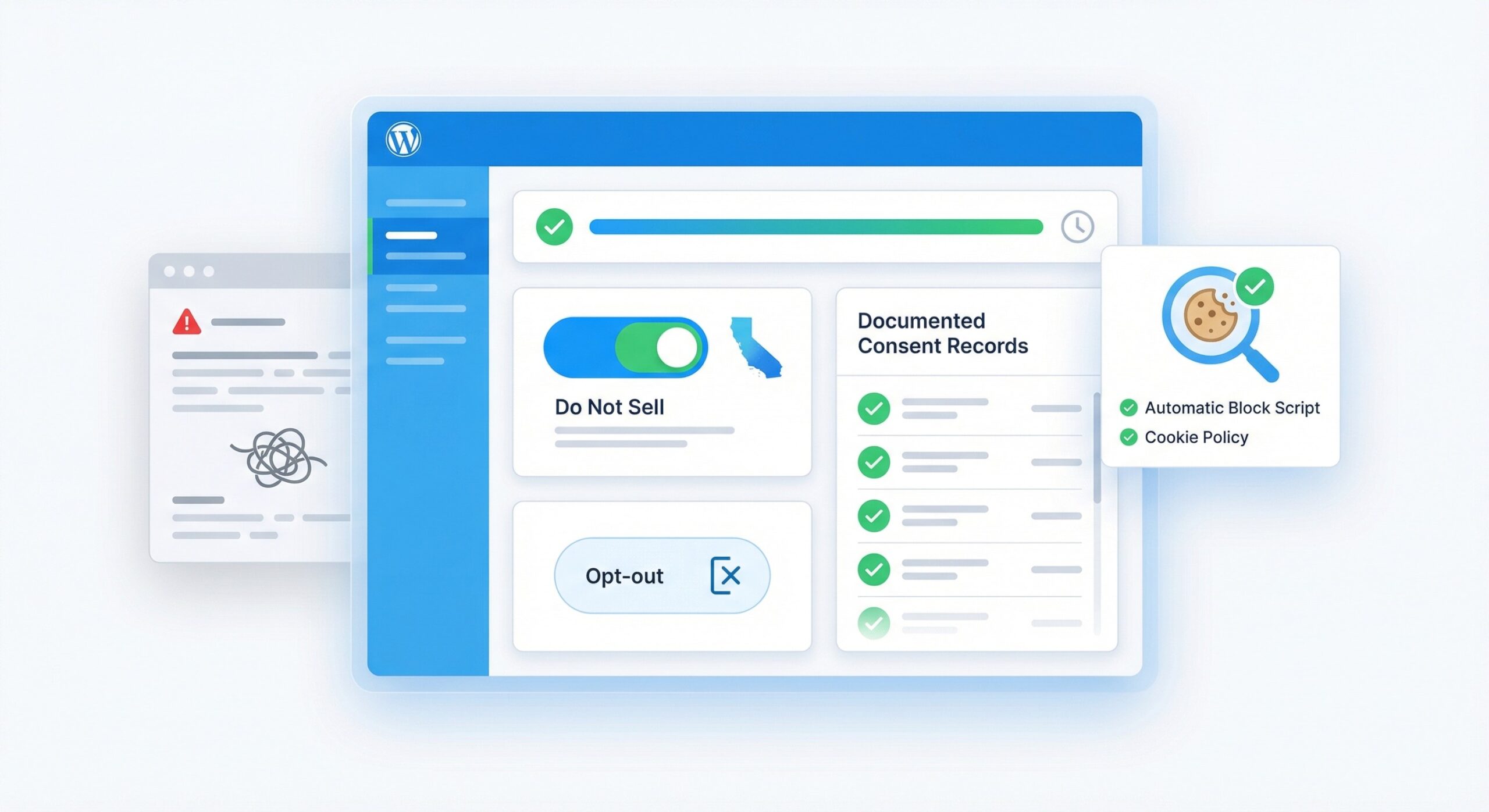
While other websites struggle with CCPA requirements or pay expensive lawyers, you'll have complete California Consumer Privacy Act compliance with "Do Not Sell" functionality, opt-out mechanisms, and documented consent records. Setup takes minutes.

Trusted by 100,000+ websites for privacy management

CCPA Compliance
SOME OF THE AWESOME COMPANIES THAT USE WPCONSENT

Key Features to Help You Meet CCPA/CPRA Requirements

California's privacy laws are strict. Your compliance solution should be simple.

Do Not Sell My Info

Required opt-out link for California visitors

Opt-Out Records

Documented proof of consumer opt-out requests

California Detection

Show CCPA notices only to California visitors

Sale of Data Controls

Block data-sharing scripts when users opt out

One-Click Setup

Enable California-specific rules with geolocation detection

Cookie Policy Generator

Auto-generate compliant cookie policy pages

CPRA Ready

Updated for California Privacy Rights Act

WooCommerce Compatible

Works with California eCommerce requirements

Global Privacy Control

Automatic GPC signal detection support

See CCPA Compliance in Action

From "Do Not Sell" links to opt-out records. Fully covered.

Why Website Owners Choose WPConsent for CCPA Compliance

California privacy law compliance doesn't have to be complicated.

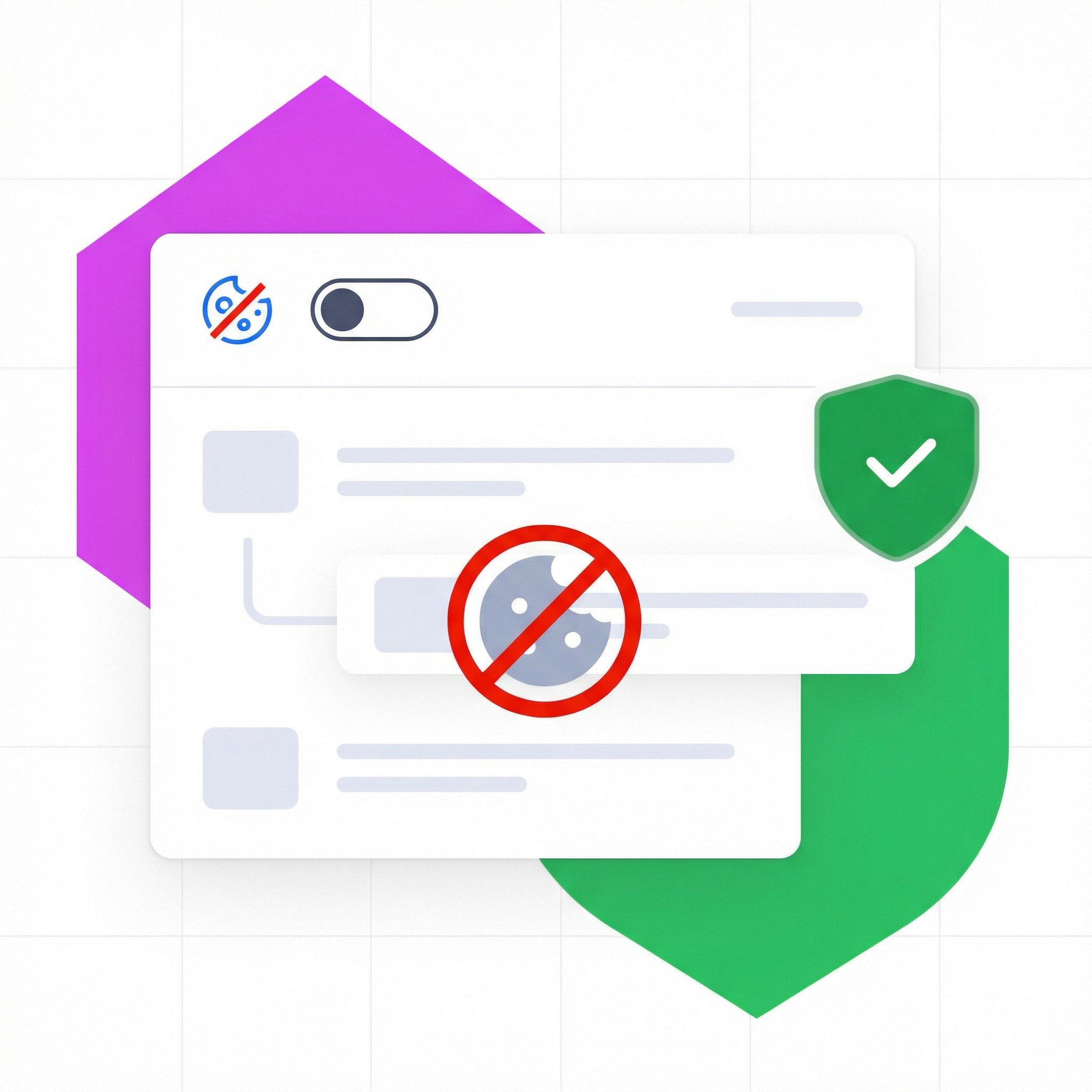
"Do Not Sell" Functionality Built In

CCPA requires a clear "Do Not Sell or Share My Personal Information" link on your website. WPConsent handles the entire opt-out process, including blocking data-sharing scripts when users opt out.

Automatic Script Blocking That Actually Works
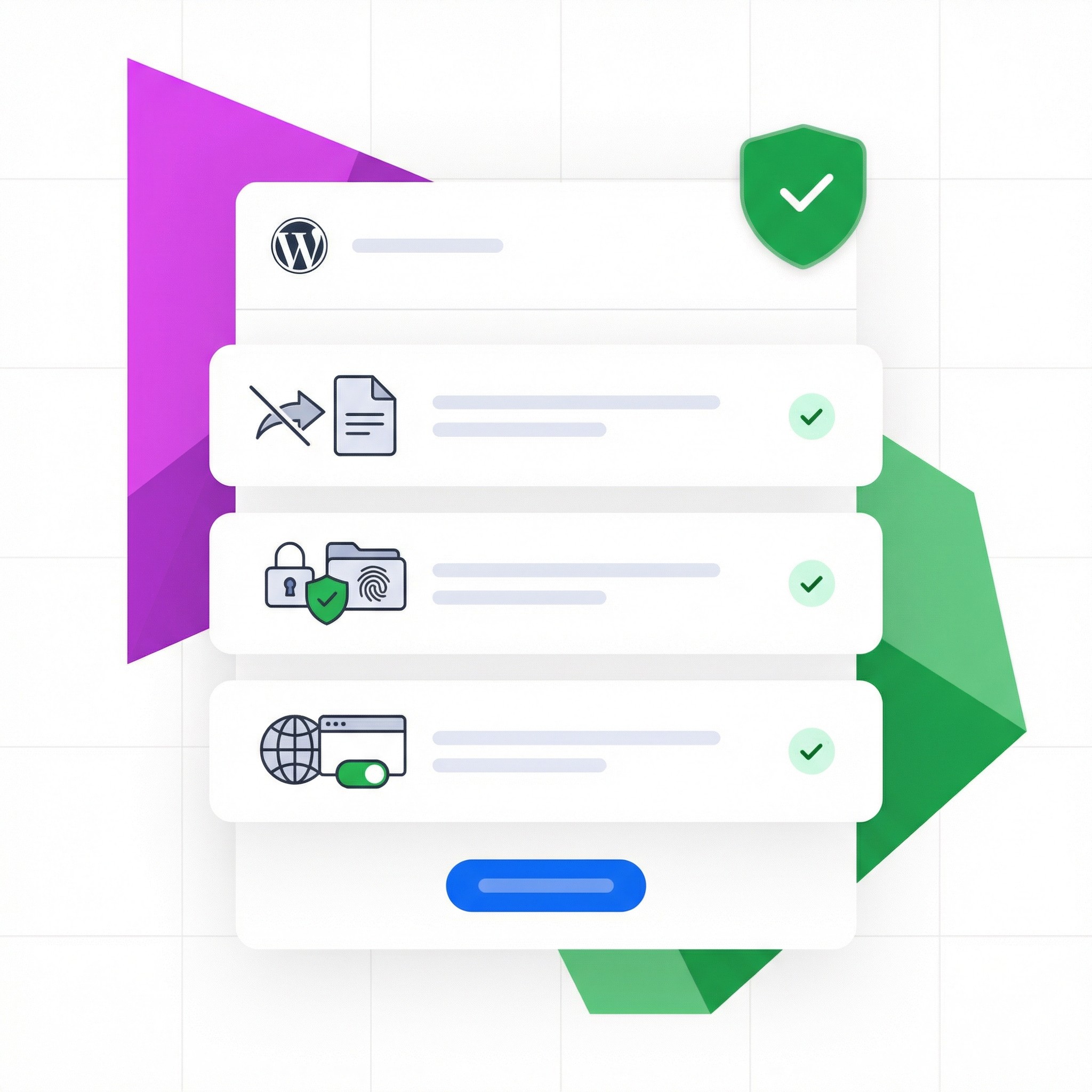
CPRA Updates Already Included

CPRA Updates Already Included

The California Privacy Rights Act (CPRA) expanded CCPA requirements in 2023. WPConsent supports key CPRA compliance features including Global Privacy Control (GPC) signal detection, "Do Not Sell or Share" request management,
and automatic blocking of non-essential tracking scripts until consent is given.

Show CCPA Notices Only to Californians

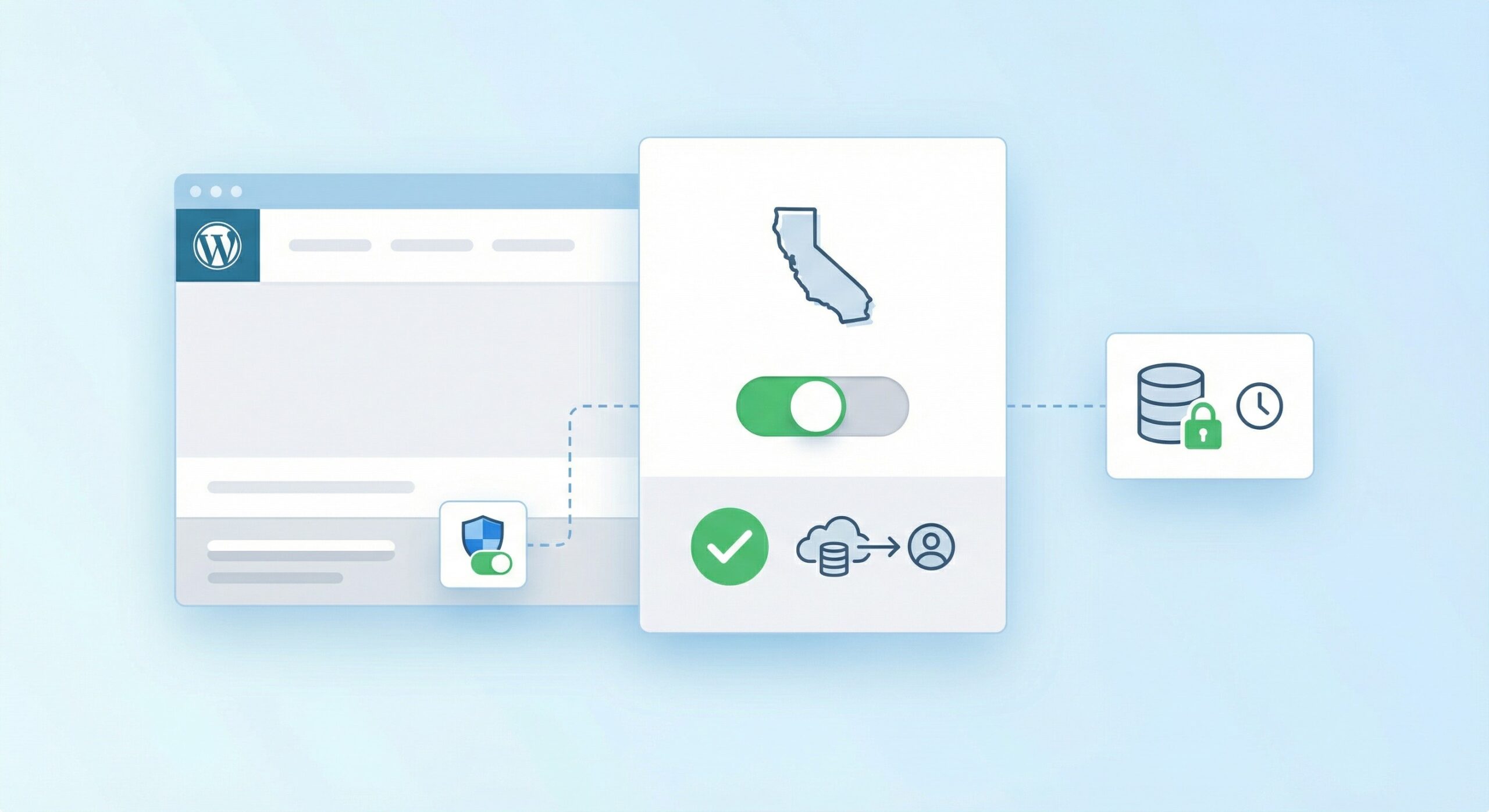
Don't annoy your entire audience with California-specific notices. WPConsent's geolocation shows CCPA opt-out options only to visitors from California, while everyone else gets a clean experience.

Show CCPA Notices Only to Californians
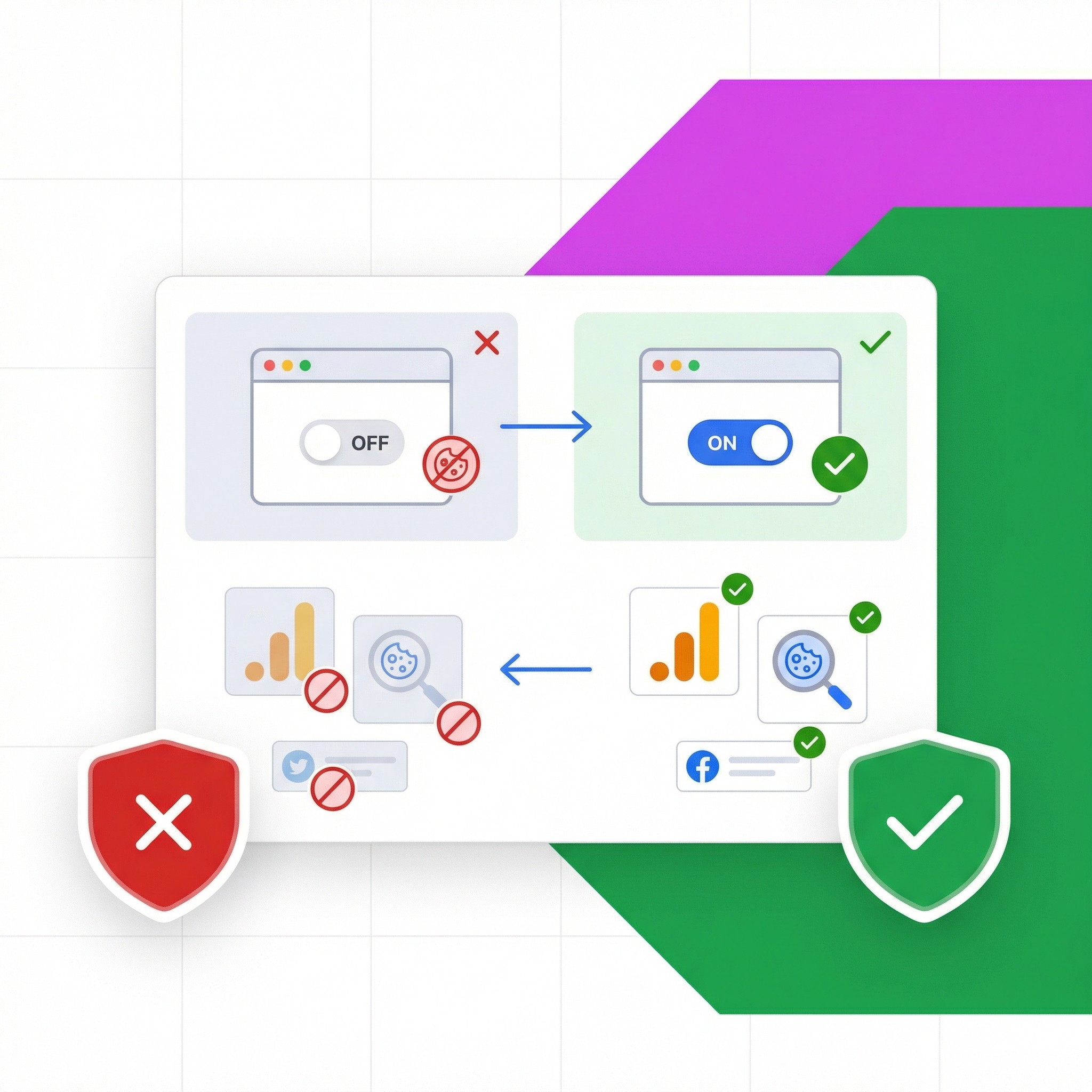
Works With Your Ad and Analytics Tools

Works With Your Ad and Analytics Tools

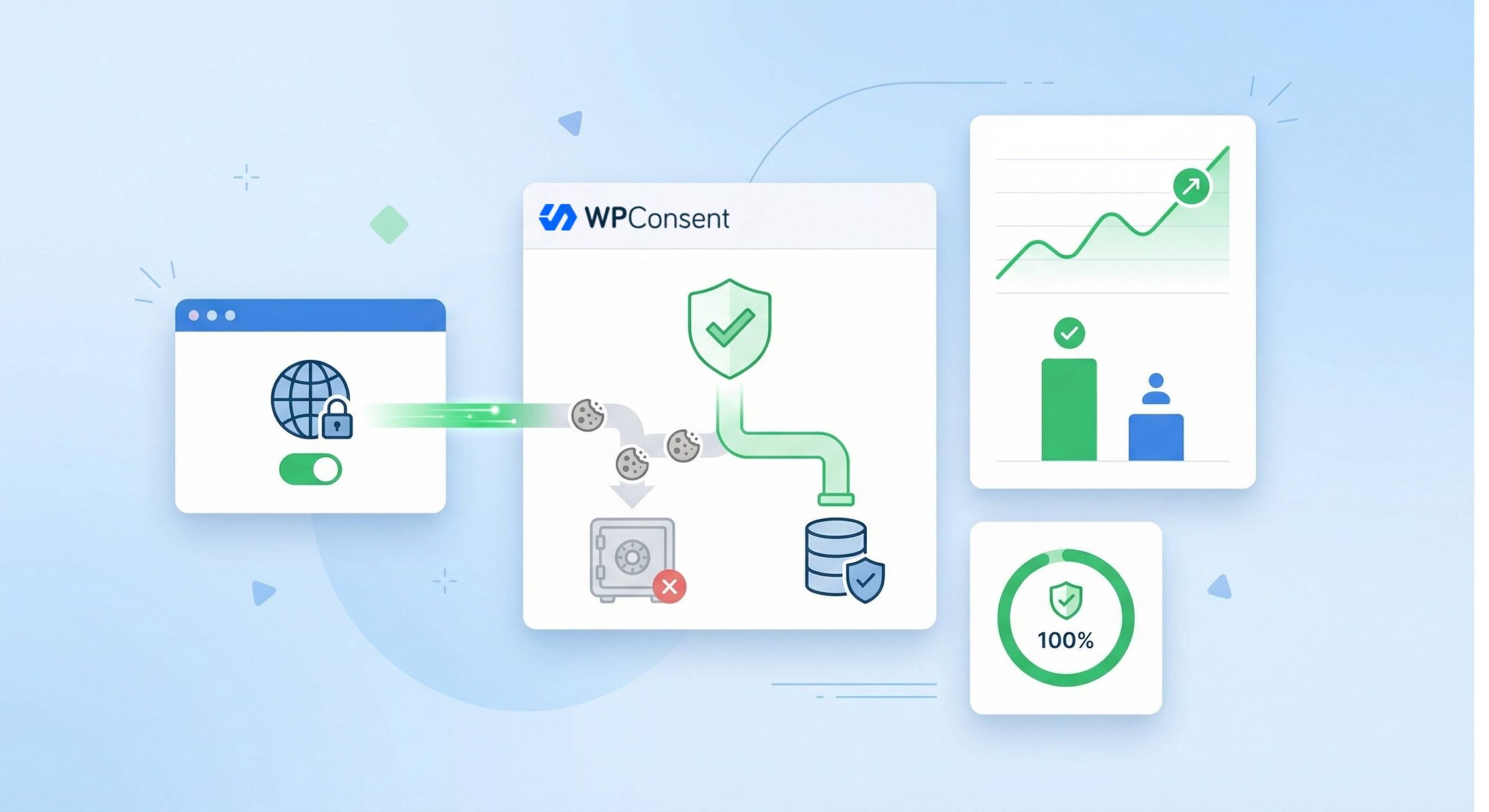
When a California user opts out of data sale, WPConsent blocks the appropriate scripts (Facebook Pixel, Google Ads, etc.) from loading. When they don't opt out, everything works normally.

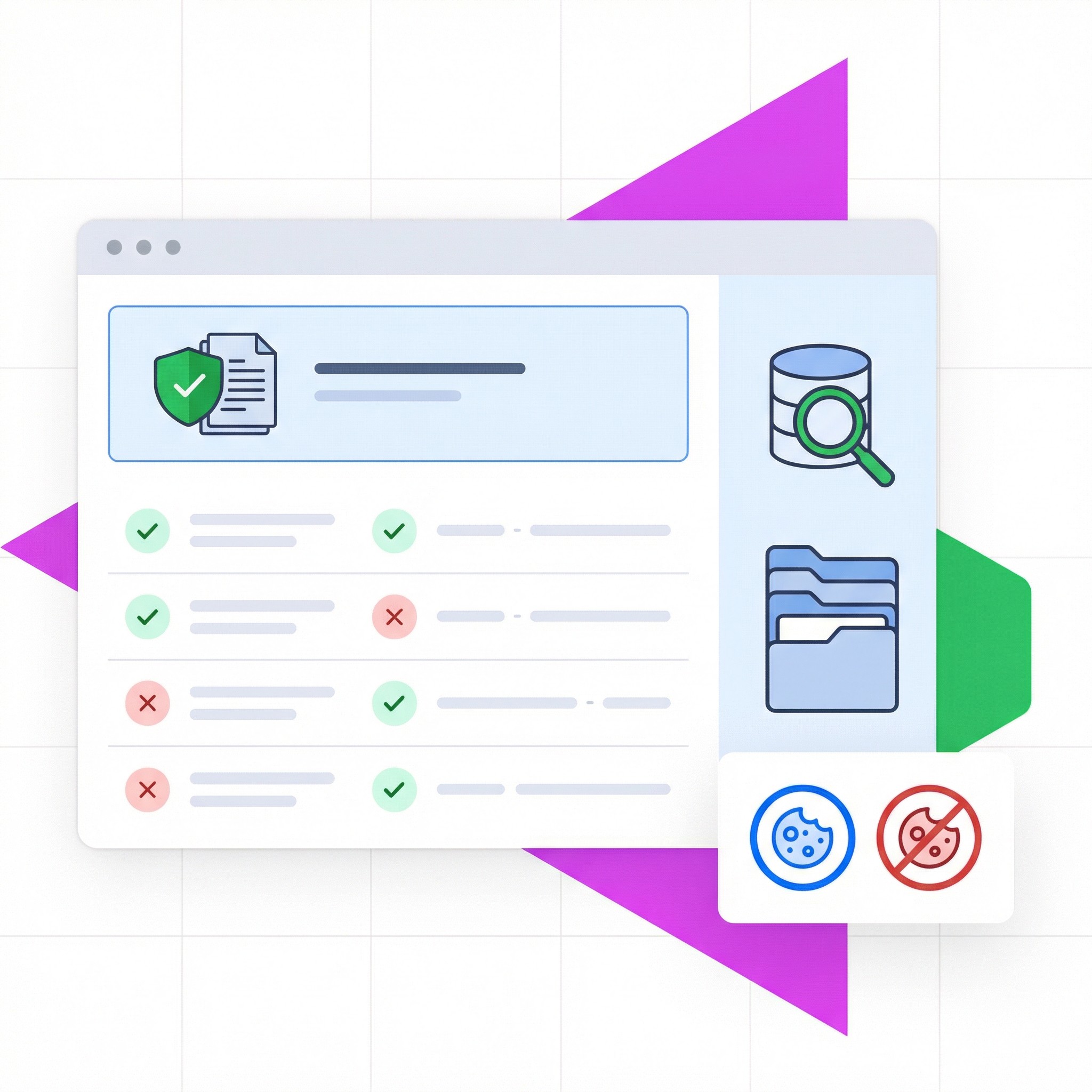
Documented Records for Compliance

CCPA gives consumers the right to know what data you've collected and whether you've sold it. WPConsent keeps records of all opt-out requests so you can respond to consumer inquiries and demonstrate compliance. 

Documented Records for Compliance

What our users say about us

4.8/5 on WordPress

This is an extremely well thought out and designed plugin for important functionality most of us probably don’t want to have to deal with. Easy to set up and flexible to make the cookie notice match your site design. I especially like how the plugin can analyze your site and determine which cookies are present...

Scott

I installed WPConsent hoping for a simple solution, and it delivered. The setup process was incredibly smooth and straightforward. I was up and running in minutes. What I appreciate most is the design; it looks very sleek and adds a level of professionalism to the site...

Richard

I was using a different and popular Cookie consent type plugin, but changed to WPConsent and was happy to see that my page speed became faster. That alone, plus the simple and tidy look of the consent banner made me switch to WPConsent...

Grant

This plugin is so simple to set up without the usual trial and error. Instructions on how to set this plugin up are easy to follow and looks great on the front end of the website too.

Martyn

This isn’t the first consent form I’ve had on my sites, but this one definitely fits the bill better than the other. I like the fact that you can yes or know it and that’s it. I don’t know how many sites I have been put off of browsing just because there’s virtual war and peace to go through just to switch off the cookies. So thank you.

Nick

I went through a number of consent plugins trying to find one that would work without requiring to much resource. This was the one a settled on. I was able to configure the easily and consent banner into my site colours.

Paul

Frequently Asked Questions

Have questions about CCPA compliance? We've got answers.

If your question is not listed here, then please contact us.

What is CCPA?The California Consumer Privacy Act gives California residents the right to know what personal information businesses collect, the right to delete it, and the right to opt out of its sale.

Do I need CCPA compliance if I'm not in California?If you have California visitors AND meet certain thresholds (annual revenue over $25M, or handle data of 100,000+ consumers, or derive 50%+ revenue from selling data), CCPA applies to you.

What's the difference between CCPA and CPRA?CPRA (California Privacy Rights Act) expanded CCPA in 2023 with additional rights including the right to correct data, restrictions on "sharing" (not just selling), and Global Privacy Control requirements.

Does WPConsent add the required "Do Not Sell" page?Yes, the Do Not Sell addon helps you automatically create a page for handling the opt-out requests. You can link to that page from any menu on your website.

What is Global Privacy Control (GPC)?GPC is a browser signal that indicates a user wants to opt out of data sale/sharing. CPRA requires businesses to honor GPC signals. WPConsent detects and respects GPC automatically.

Can I show CCPA notices only to California visitors? Yes. WPConsent's geolocation feature lets you display CCPA-specific notices only to visitors from California.

Is my website fully compliant by using WPConsent?WPConsent expressly disclaims all representations and warranties that WPConsent will comply with applicable data privacy laws and regulations. It is your sole responsibility to comply with applicable data privacy laws and regulations. WPConsent does not provide legal advice and you should consult legal counsel for advice on this topic. Please see our Terms of Service.

Get California Compliant. Protect Your Business. It's That Simple.

Join the 100,000+ website owners who use WPConsent to handle CCPA/CPRA compliance without expensive consultants or complex tools.